Step 2 of 3
Customize your worksheet
The recommended setup is ready. Change only what you need.
Advanced settingsNumber ranges, problem rules, and saved settingsShow options
Setup
Review the selected skill and adjust its options.
Number Ranges
Set the minimum and maximum values used for this topic.
These rules are enforced during generation when the selected ranges allow them.
Mixed-operation options
Choose which operations appear on the mixed worksheet.
Uncheck any operations you do not want in Mixed.
Choose skills
Mix two or three skills on one worksheet.
The most space-demanding topic determines the automatic page layout.
Difficulty Rules
Only the rules that apply to the selected topic are shown.
Saved settings
Start from saved settings or save the current setup.
Saved settings stay in this browser. Saving again with the same name replaces them.
Recommended setup
Ready to customize
Uses the selected topic's space needs.
Balanced numbers and rules for this skill.
Choose one numeral for focused practice, or use a varied worksheet.
Layout & Header format, instructions, header fields
Advanced Grid columns and per-column count
Changing problems per page automatically updates these grid values. Auto-fit chooses a grid from the selected topic's space needs.
Roster & history
Add or choose the current student from the Student menu at the top of the page. Use this list to review worksheet activity or remove a student.
Practice history
Topics practiced
Generate another fresh set from any topic.
Related practice
Worksheet history
Open a saved set, make fresh pages, or remove an entry.
Output typeCreate one worksheet or a bounded classroom set.
0 selected
One worksheet will be generated.
Ready to see it?You can come back and change anything.
Step 3 of 3
Preview, print, and download
Check the worksheet below, then print it directly or save a copy.
No worksheet preview yet
Choose a skill and generate a worksheet first.
Creating your worksheet…
This may take a moment.
We couldn’t create the worksheet
Try again, or check the settings.
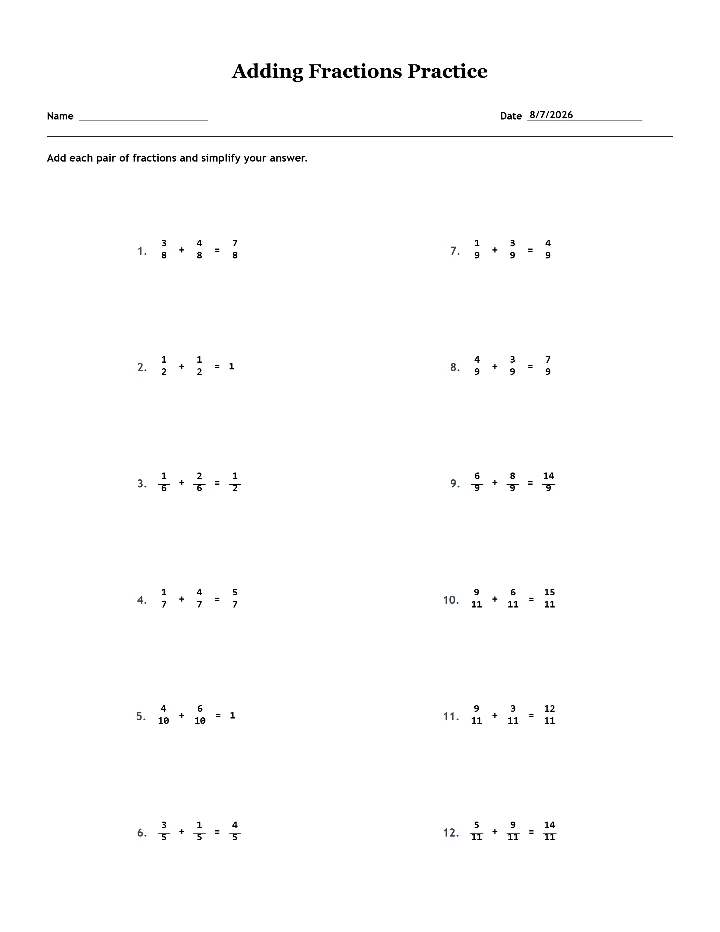
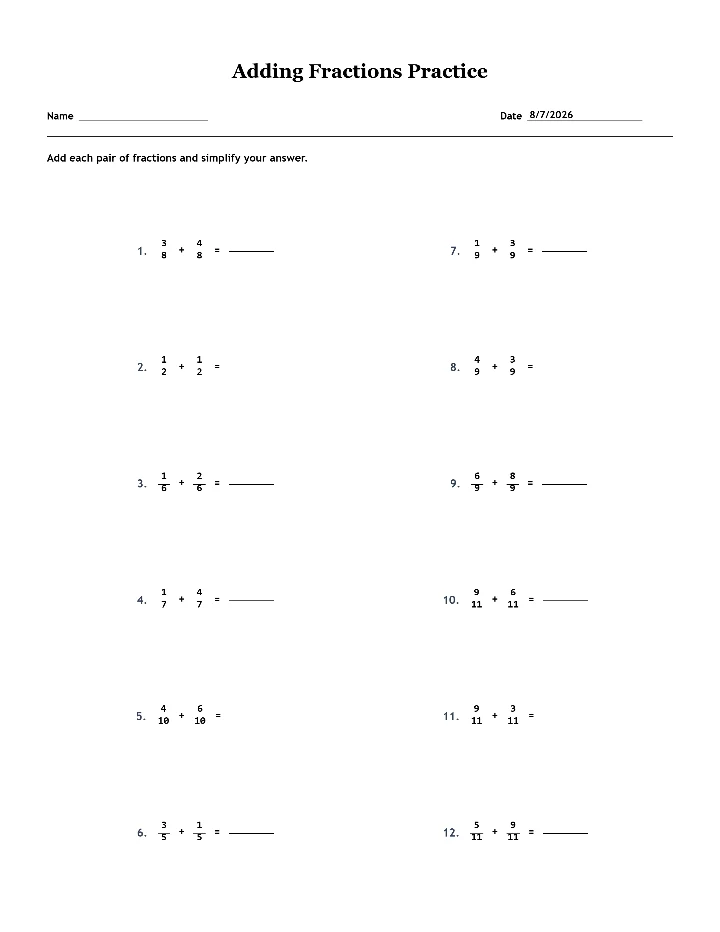
Ready to printYour worksheet
Worksheet codeSaved on this device
Page
Use the page picker for multi-page worksheets. Print all pages at once, or save the current page as an image.
Worksheet
Answer keyPreview the answers or save an image
Answers
More print & download options